


Print Your Canva Designs — The Right Way
Already built your design in Canva? Perfect. We’ll handle the rest — ensuring your file is truly print-ready with proper bleeds, CMYK color mode, and professional proofing.
At WCR Marketing, we don’t hide from Canva — we embrace it.
Whether you created a flyer, postcard, yard sign, or door hanger in Canva, we can print it with professional quality. Simply share your Canva link with us, and our team will handle setup, color conversion, and bleed alignment so your design looks flawless in print.

Why WCR Marketing Welcomes Canva Users
We’re One of the Few Print Companies That Encourage Canva Users
Most printers reject Canva files or charge extra for setup. Not us.
We understand that Canva is a powerful tool for small business owners and contractors — and we’ve built our process to work with you, not against you.
- Canva Pro Integration: Our team uses Canva Pro to open and export your design directly from your shared link.
- CMYK Color Conversion: We export your artwork in full CMYK print color for accurate, vivid results.
- Bleeds & Margins Added: Every file is checked for bleed safety and margin alignment before printing.
- Free Proof Review: You’ll receive a final proof to approve before production starts.

How to Order Prints from Your Canva Design
- 1. With your design open, click the "Share" button on the top right of the Canva interface.
- 2. Change the Access Level to include "Anyone with the link" and "Can Edit"
- 3. Click "Copy Link"
- 4. Paste your Canva link in our upload form, product page, or in your order notes.
- 5. Our team opens your design, reviews it, adds bleed and CMYK setup.
- 6. You’ll receive a digital proof for approval before we print.

What You Can Print with Your Canva Design
From marketing materials to signage, we can print nearly anything you create in Canva. Our most popular Canva-to-print products include:
-
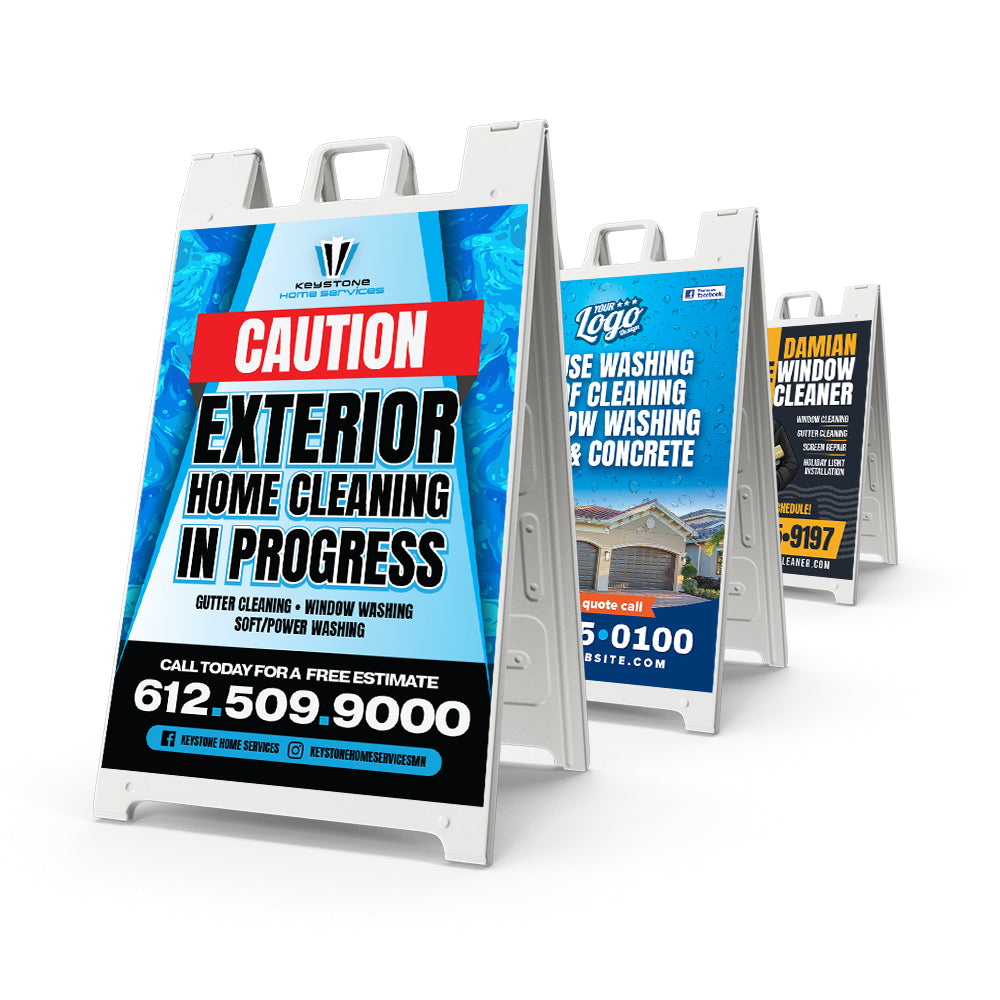
A-Frame Signs
A-Frame -
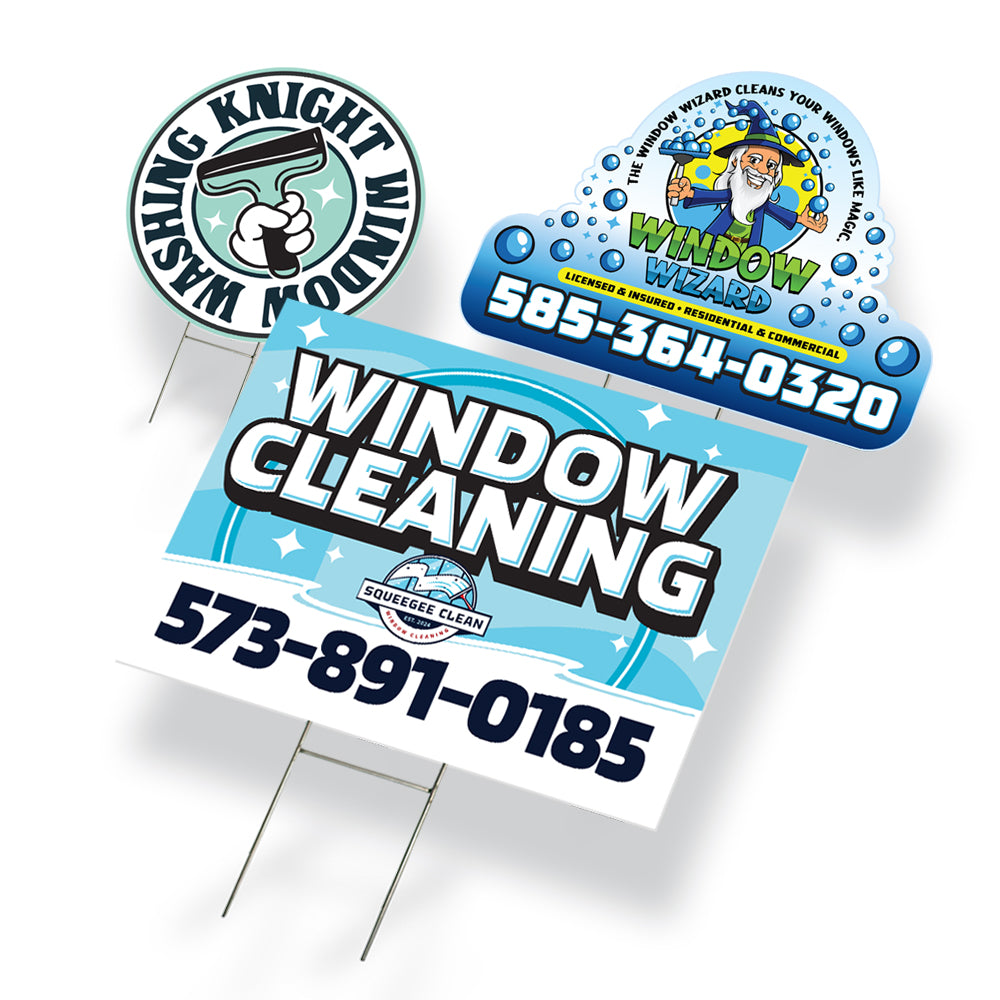
Yard Signs
Yard Signs -
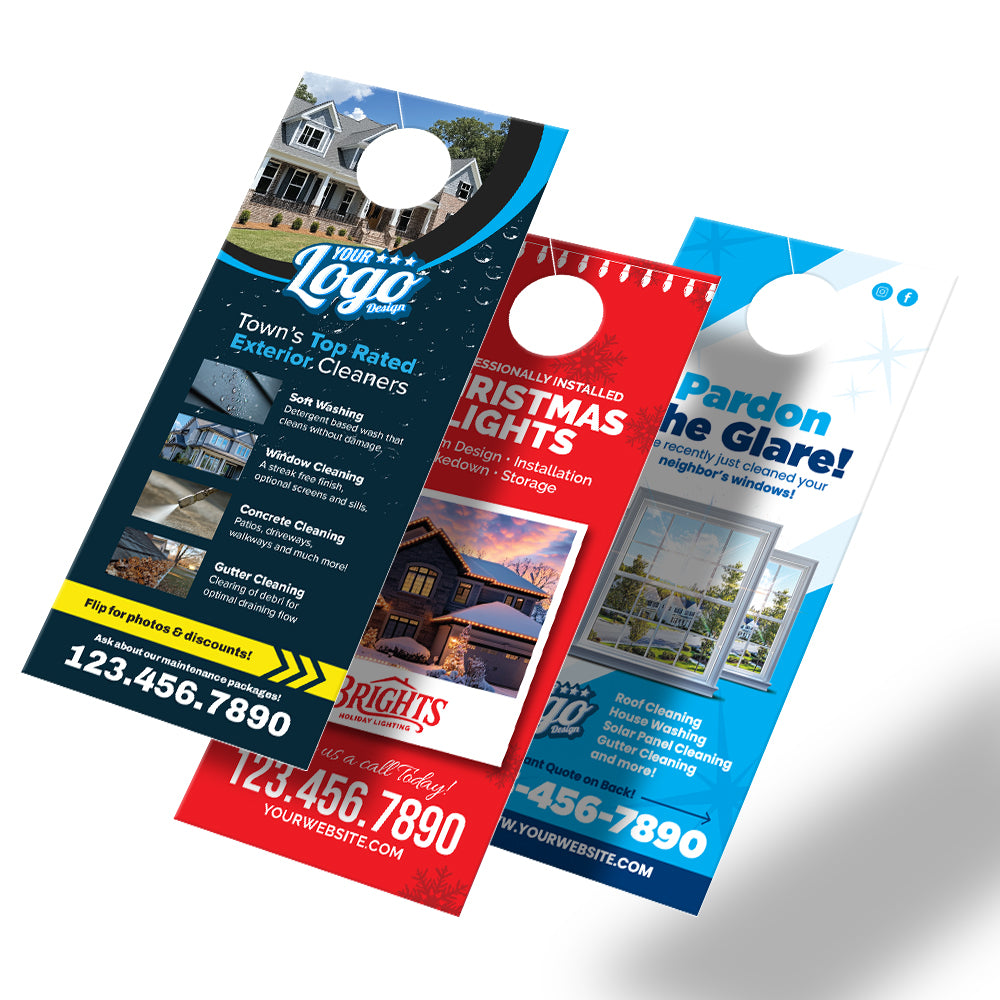
Door Hangers
Door Hangers -
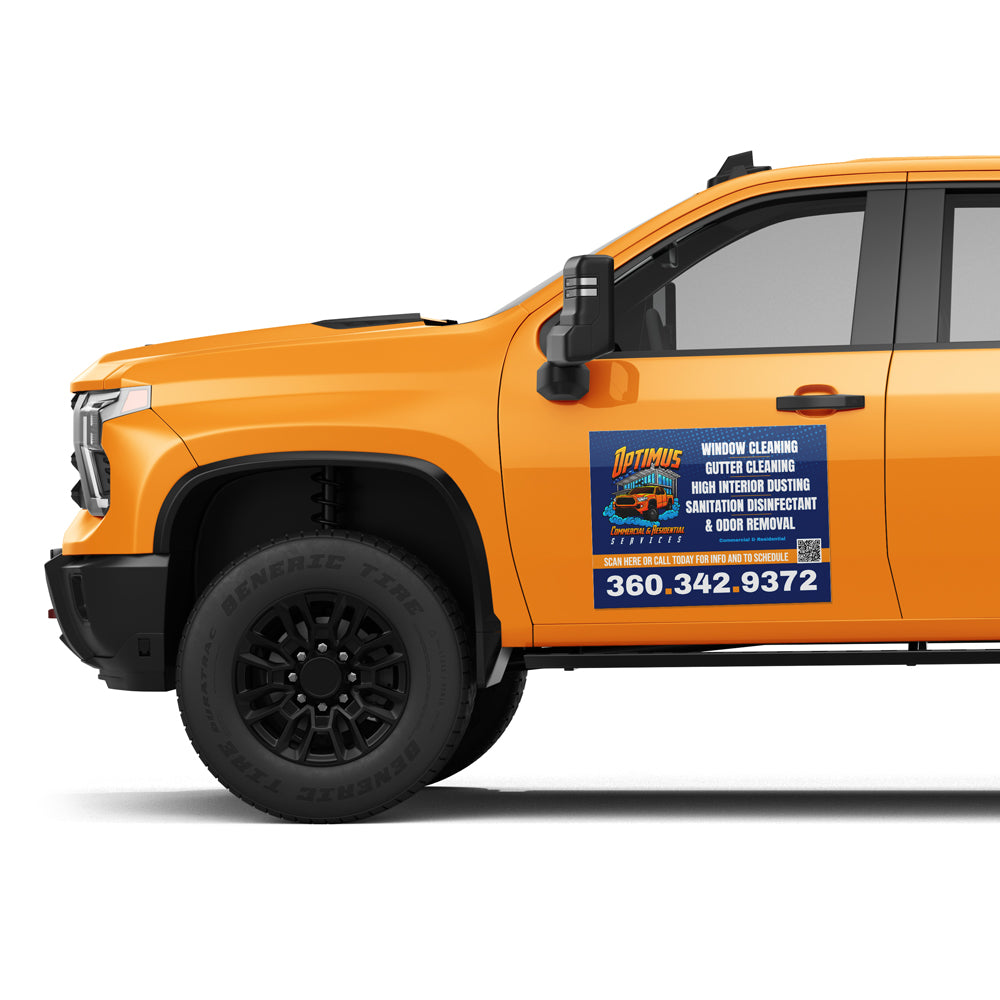
Vehicle Magnets
Vehicle Magnets -
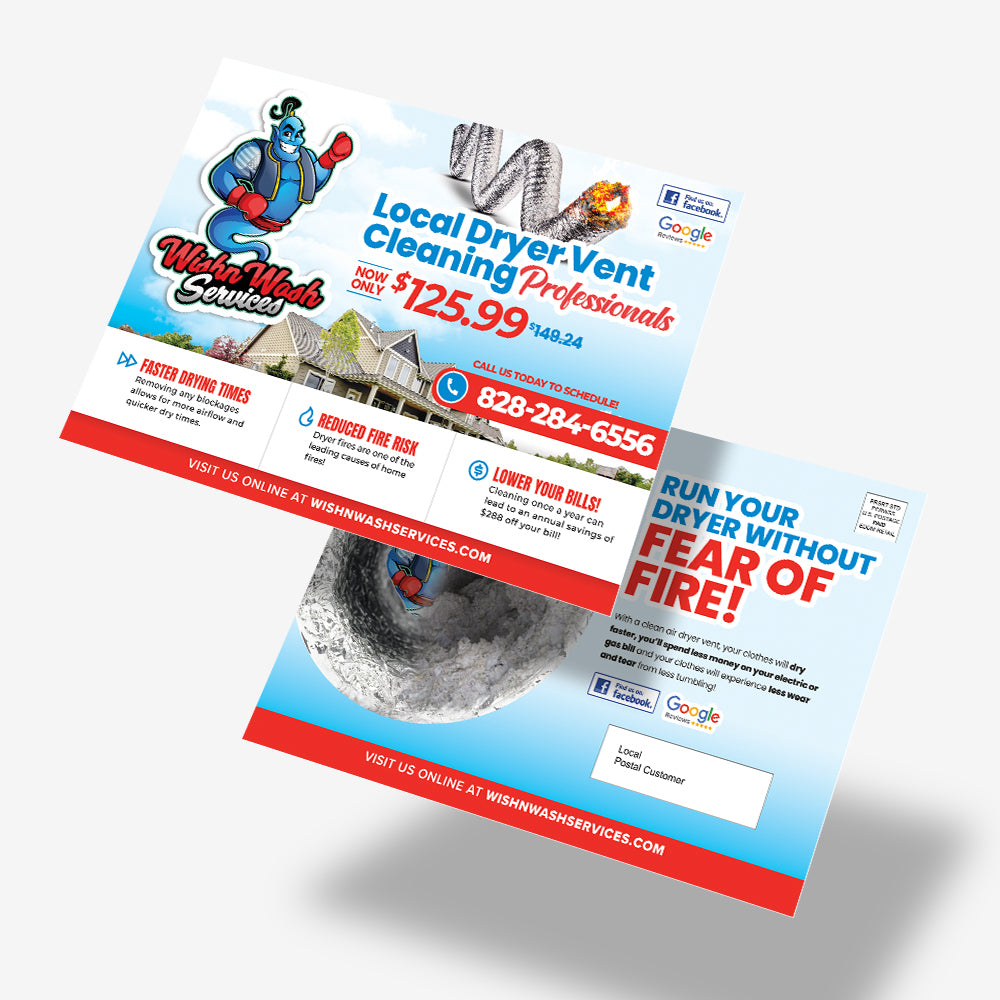
Postcards
Postcards -
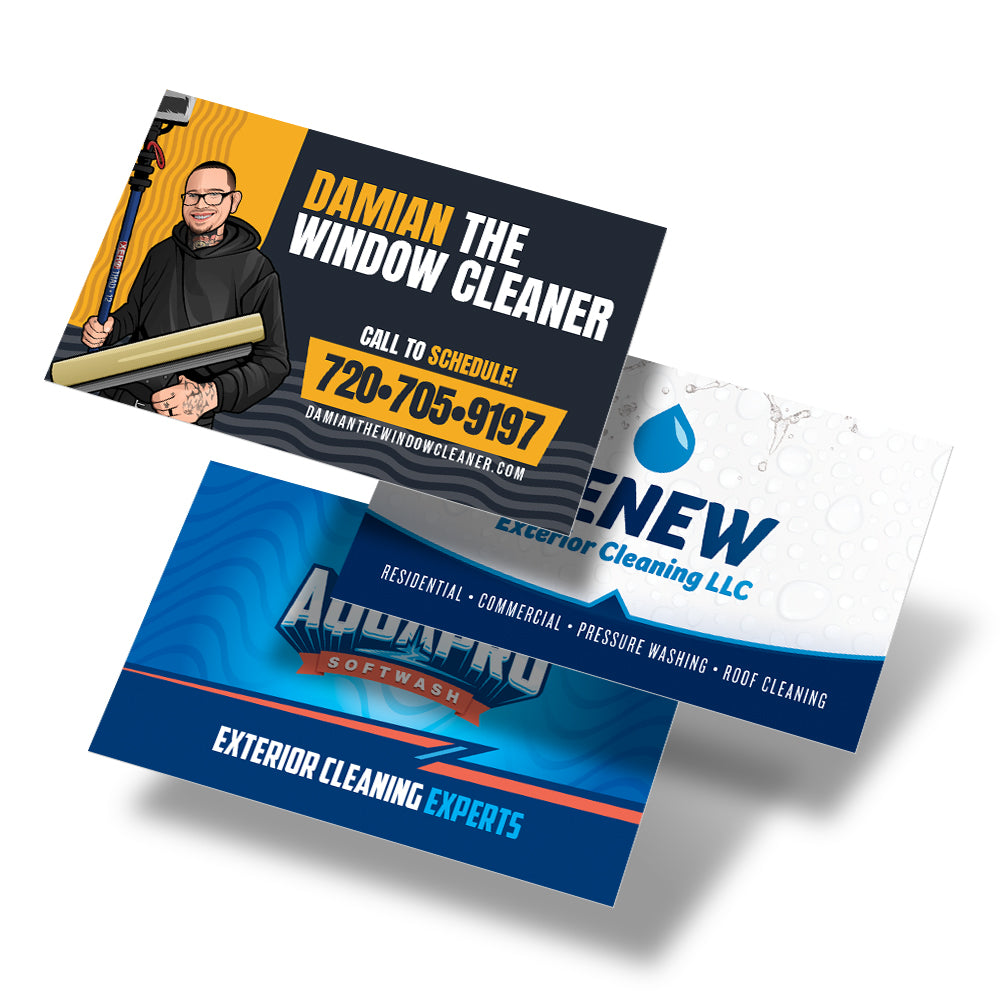
Business Cards
Business Cards
Why It Matters (Technical Details)
We Fix Canva’s Hidden Print Problems — Before They Cost You
Canva exports in RGB color, which can cause major color shifts in print.
It also doesn’t automatically include bleed areas — meaning your edges might trim unevenly if printed “as-is.”
Our production team ensures:
- All artwork is exported in CMYK color mode
- Correct bleed setup for each product type
- Text and logos stay within safe zones
- DPI meets professional print standards (300 DPI minimum)
That means your prints look sharp, balanced, and accurate — every time.
Thousands of Canva Users Trust WCR Marketing
From local contractors to national service brands, our customers love how easy it is to print their Canva designs with us.

“I designed my yard signs in Canva and just sent WCR the link — they handled everything, and my signs came out perfect!”

Frequently Asked Questions
No, but sharing an editable link makes the process smoother. We have Canva Pro, so we can open any shared design.
We convert everything to CMYK for accurate, professional printing while attempting to maintain the RGB colors you see on your screen.
Absolutely — just include all your Canva links in your upload form or order notes.